


Episode #864
August 23, 2025
It has never been possible for the iMentor to fully retire.
I was an Apple consultant for 25 years. Throughout that time, some of my clients became my friends.
I have always helped my friends with technical issues. Most are minor fixes, and others require consultation. Sometimes I need to provide eyes-on help to resolve problems. One friend recently received a failing hard drive error from Windows OS. I talked her through what to tell her technician. She needed her old drive cloned onto a new drive, then an external drive set up to make a backup. All went well. The computer, outfitted with a new hard drive, was exactly the same as where she left off. The old drive failed moments after the clone transfer completed. Timing is everything. An added bonus is that she will have the external backup drive to restore her primary drive when it inevitably fails again.
I have been retired for seven years now, yet some of my previous clients still depend on me. Over the years, I have helped one dear lady recover from a stroke. Today, she is back to teaching youngsters how to play the piano. Her computer is her email connection to the outside world, and she is pretty good at it, but she does need refreshers and troubleshooting once a month.
Another of my erstwhile clients, now friend, is physically declining. Fredrick needs advice on how to continue writing a second novel now that his fingers don’t work as well as they used to. I am helping him use dictation on his Macintosh.
Because dictation is imperfect, we also discussed using Grammarly as a spelling, punctuation, and grammar checker. ChatGPT will serve Fredrick as a research tool and with editing his dictation for grammar and readability. One of the nice things about ChatGPT is that it gladly ignores and even corrects the spelling in the questions that you ask.
One day last month, I entertained six phone calls as the iMentor. On two of them, I controlled screens using Apple’s built-in Screen Sharing. This is somewhat limited since both computers must be running 10.5 or newer macOS. I find it easiest for both computers to be signed into iMessage and iCloud and connect via the Messages app. These two users’ problems were easy to solve since I had full control of their computers. It was almost like being there.
On another call, I gave printer advice to a Windows user. My eyes glaze over when working with Windows, but I have some experience with printing from most operating systems. By the way, shutting down, unplugging from power, plugging back in, then turning the printer back on solves most problems with Hewlett-Packard printers. Just saying.
One of the other callers complained that they had lost a bunch of files. It turned out that the Finder display had caused all the icons on the Desktop to disappear. A secret trick when this happens is to create a new blank folder on the desktop with a right click of the mouse. All the icons reappear.
Another caller complained that a bunch of email mailbox folders had disappeared from the Apple Mail program. In reality, the folders had been hidden with an expansion arrow. Unfortunately, the expansion arrows are invisible. If you want to expand, contract, or create a mailbox folder, you must hover over a category label for the invisible buttons to appear. I think Jony Ive is one of the all-time best designers. His minimalism made the iMac and iPhone icons of the computer industry. But minimalism can be taken too far. In Apple’s Mail app, there are invisible buttons. Really Jony? A clean interface does not mean that it is invisible.
“How did it happen?” said the client.
“I think you randomly clicked and dragged an invisible button. Dumb luck.”
I showed him the location of the invisible button that reveals the folders.
Lastly, an elderly lady called to tell me that she had lost the Internet on her Mac. What really happened was that she had inadvertently removed the Safari browser icon from her Dock. Solving the problem took her on a tour of her computer to the hard drive and into the Applications folder, where I reminded her how to drag an application into the Dock for easy shortcut access to the Internet.
I loved what I did for a living. I loved the people who were my clients. And truth be told, I love helping people—even in retirement. Some days, when the calls come in one after another, it feels like I never closed up shop. And honestly, I’m glad. It means I never have to miss a passion that’s still very much alive in me.
IF YOU LIKE THIS BLOG YOU’LL LOVE MY BOOKS:
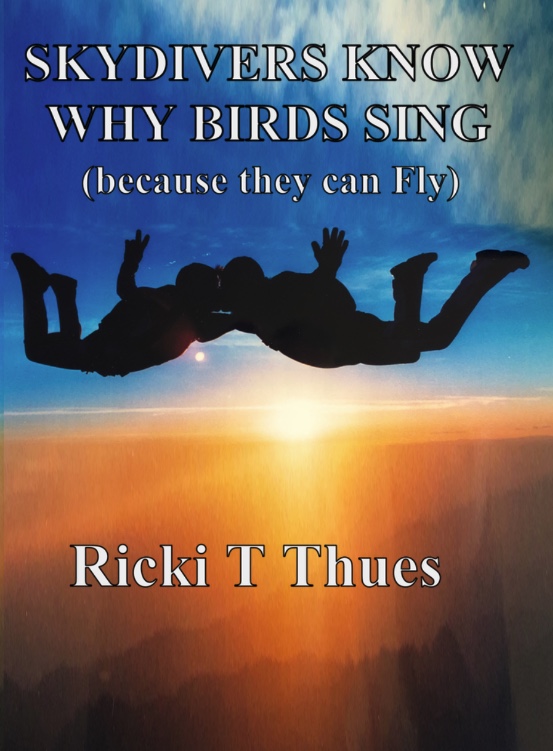
“Skydivers Know Why Birds Sing” by Ricki T Thues is now available on Amazon.
It is a Love story of Rick and Paula Thues and their 35 years of Skydiving.
Click HERE to buy the paperback or Kindle ebook at Amazon.
Follow Ricki T Thues on Amazon HERE.
ALSO AVAILABLE:
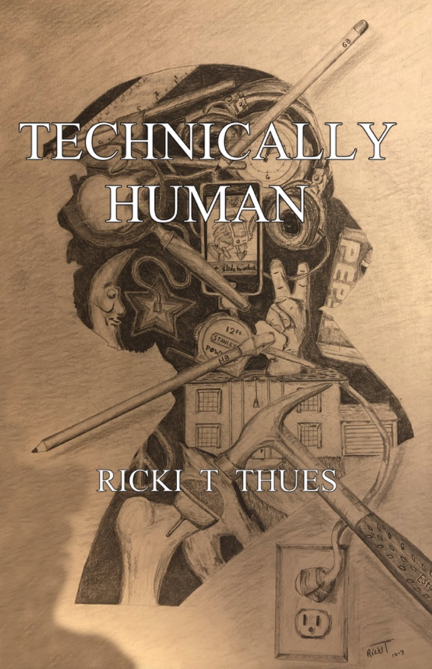
“Technically Human” by Ricki T Thues, the iMentor, is available on Amazon.
It is a compilation of selected episodes from this bLog which tell the story of Humanity through the eyes of the iMentor.
Click HERE to buy the paperback or Kindle ebook at Amazon.
The ebook version of “Technically Human” is also available on Kobo. Click HERE.
For you Barnes and Noble Nook readers it is available for Nook. Click HERE.
The “Technically Human” ebook is also available on Apple Books . Click HERE.


I remember that you helped me through some issues with my email client and we talked for quite awhile about iCloud, it’s origins and it’s role in the Apple world. I really appreciated your help, knowledge, and especially your patience. Well done.
Yes…you were my rock and muse when I was learning “Mac-lore”. But it wasn’t just your expertise, it was you indefatigable exuberance and passion for life, which you still exhibit in your life explorations. Nothing says “existential anxiety” more than jumping out of an airplane. FYI…you posted this on my 79th birthday, Aug. 23,
Happy Birthday Claire. Indefatigability is my middle name.
I miss you and the SMOG group and attending the meetings. Nothing like that now. I feel so isolated. Ah, those were the days, my friend.
Me you too Chela. But I have to admit that retirement and my writing hobby are really fun. Recently, I had rotator cuff surgery, so I’m out of Skydiving for a year, but will be back when I heal. I am happy that you and my other readers still love my blog.